Home>Software and Apps>DNS, Proxy or VPN: Which One Your Situation Needs
Software and Apps
DNS, Proxy or VPN: Which One Your Situation Needs
Modified: 20 October 2026
Table of Contents
If you can’t reach a site but your internet works, change your device DNS to 1.1.1.1 or 8.8.8.8 right now. If that fixes it, you don’t need a proxy or VPN. If it doesn’t, your ISP or network is blocking deeper than DNS, and you need a different tool. Here is how to pick the right one without wasting money.

The Short Answer: Pick Based on What’s Blocking You
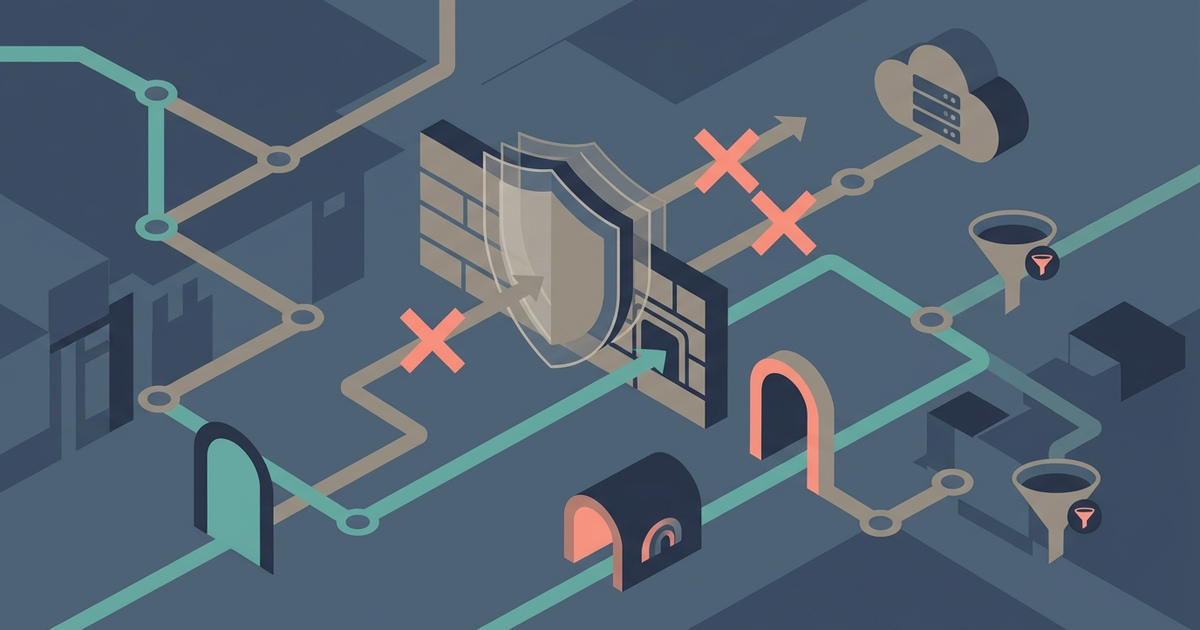
A DNS block looks like "server not found" on every browser. A proxy blocks specific ports or IP ranges—torrents or streaming servers. A VPN block kills all VPN traffic at the firewall. Each situation demands a different tool.
- DNS block: Switch to DNS-over-HTTPS in your browser settings. Free, takes ten seconds.
- Port or IP block: Use a SOCKS5 proxy, but only if you know how to stop DNS leaks. Otherwise buy a VPN.
- Deep packet inspection or VPN block: Use a paid VPN with WireGuard and obfuscation. Mullvad VPN at €5/month works.
- Geo-blocked streaming on a TV or console: Use Smart DNS. It’s a middle ground that works where VPNs don’t.
Test the DNS change first. It costs nothing and solves the most common block.
When a DNS Change Is All You Need (and When It Isn’t)
Many blocks happen at the DNS level. Your ISP sends a fake response that doesn’t resolve to the real server. The fix is to bypass their DNS server.
Open Firefox and go to Settings > Network Settings > Enable DNS over HTTPS. Choose Cloudflare (1.1.1.1) or Google (8.8.8.8). Do the same in Chrome at Settings > Privacy and Security > Use secure DNS. This sends your DNS queries encrypted, so your ISP can’t interfere.
If your problem was DNS-based, the site loads instantly. No proxy, no VPN, no cost. But if the site still fails, the block is deeper. The ISP is either dropping packets to the server’s IP address or using deep packet inspection to block the service itself. DNS-over-HTTPS won’t help there.
One more edge: DoH can break network policies. Corporate or school networks often use their own DNS for filtering. Enabling DoH bypasses those filters, which might get you flagged. Only use it on your own home network or mobile data.
When a Proxy Works (and When It Leaks Your Data)
A proxy reroutes traffic for one app, not your whole device. If you need to access a blocked API from a script or bypass a port block on a game server, a SOCKS5 proxy can work.
You can create one for free using an SSH tunnel. On a Mac or Linux machine, run: ssh -D 1080 user@your-server. Then set your browser’s SOCKS5 proxy to localhost:1080. Traffic exits your server’s IP.
There’s a catch: most clients leak your DNS queries. The browser sends DNS requests through your local network, not the proxy. Your ISP sees which sites you visit even if the proxy hides your IP. To fix this, configure the browser to use the proxy for DNS too. On Firefox, go to about:config and set network.proxy.socks_remote_dns to true. Chrome doesn’t support this natively.
Even with that, a proxy gives no encryption. Traffic between your device and the proxy is plaintext. If your ISP blocks based on URL patterns or headers, the proxy won’t help. A proxy also has no kill switch—if the tunnel drops, your traffic goes in the clear.
Use a proxy only for a single, low-risk task where you control the client. For anything sensitive or persistent, skip it.
When You Must Use a VPN (and Which One to Buy)
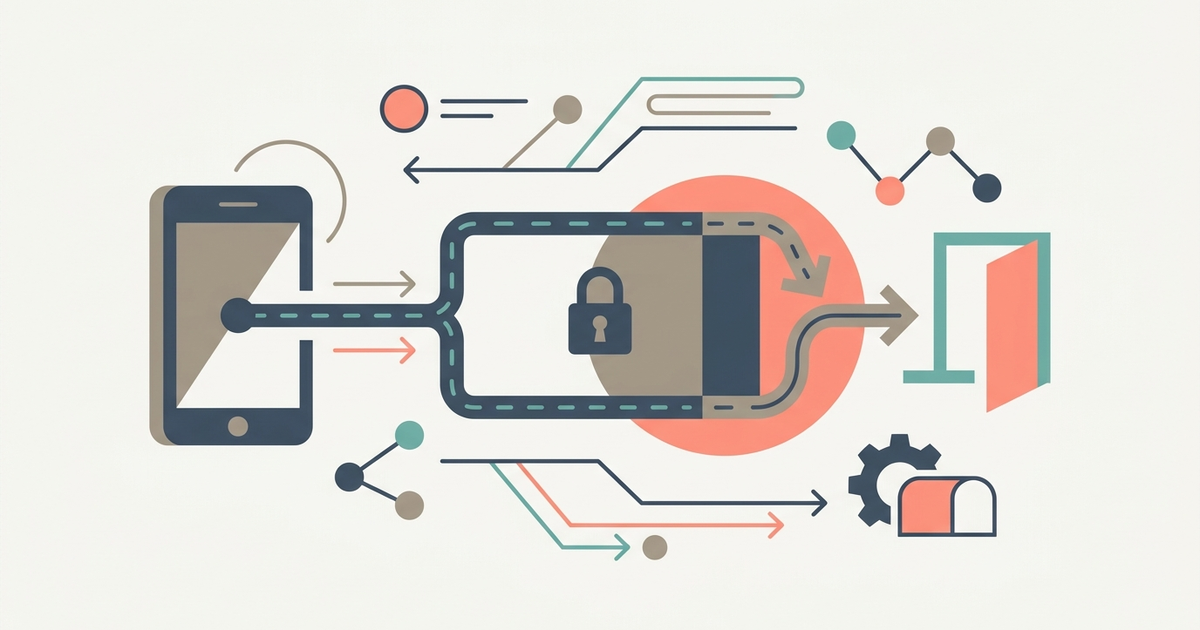
If the block is on a protocol level, or you need to hide all your traffic from your ISP, a VPN is the right tool. A VPN encrypts everything from your device to the server, including DNS queries. No leaks, no plaintext.
You need a VPN when:
- Your ISP throttles streaming or torrenting by protocol.
- Your country blocks entire categories of sites.
- You want to use public Wi-Fi without exposing your traffic.
- DNS-over-HTTPS and proxies both failed.
Buy Mullvad VPN. It costs €5 per month — about $5.50 USD. No fake sales, no log retention, and they accept cash in the mail. Use the WireGuard protocol for speed and security. Mullvad includes a kill switch: if the VPN drops, no traffic leaves your computer. Test this by disconnecting the VPN interface and checking your public IP. It should not change.
Set up Mullvad on your router if you want to protect every device. Or use their app on Windows, macOS, Linux, iOS, or Android. They have servers in 40+ countries. For geo-blocked services like Netflix, Mullvad works on most regions — but not all. Streaming services sometimes block VPN IPs.
The One Situation Where You Should Use a Proxy Over a VPN
You have a device that doesn’t support VPNs — a smart TV, an Apple TV, or a game console. These devices have no VPN client. You can’t route them through a router VPN either, because you rent your router and can’t flash it.
Enter Smart DNS. It intercepts only the DNS lookup for geo-blocked services (Netflix, BBC iPlayer, Hulu) and returns a fake response that reroutes those traffic segments. Your device thinks it’s talking to the normal service. Smart DNS doesn’t encrypt your traffic, but it doesn’t need to — you only need to bypass a geographical check, not hide from your ISP.
Buy Smart DNS Proxy or use Control D. Both are about $3–$4 per month. They work directly on the device’s network settings — just change the DNS server in your TV’s Wi-Fi configuration. No app to install.
VPNs fail here because most streaming services detect VPN IP ranges. Smart DNS uses residential IPs that aren’t blacklisted. It’s the only way to watch foreign content on a PS5 or a Roku without buying a dedicated streaming router.
Do not use a free proxy for this. Free proxy servers are slow, often block streaming, and some inject ads or malware into your video stream. Pay the few dollars.
What to Do If Your ISP Blocks All Three
Some ISPs or countries deploy deep packet inspection that kills VPN protocols (OpenVPN, WireGuard, even Shadowsocks) and blocks proxy traffic. DNS-over-HTTPS might work for web traffic, but not for apps that use fixed IP ranges.
First, test with obfuscated servers. Mullvad offers WireGuard over TCP on ports 80 and 443. This makes your VPN traffic look like normal HTTPS. Set the port to 443 in the Mullvad app and enable obfuscation.
If that still fails, you need a bridge relay or a stealth VPN. Services like Proton VPN Plus ($9.99/month) offer a Stealth protocol that wraps VPN data inside TLS. It’s slower, but it passes most Chinese and Iranian firewalls.
Last resort: Tor over VPN. Connect to a regular VPN first, then route through Tor. Your ISP only sees one encrypted tunnel. This is slow — expect 1–2 Mbps — but it defeats most network blocks. Use the Tor Browser for this, not the full Tor network, to avoid exit node abuse.
If none of these work, you are on a network that allows only whitelisted traffic. That’s too locked down for any consumer tool. Change your network or use mobile data.
Start with the DNS test. If it works, you’re done. If not, move to a proxy for one app, or a VPN for everything. For a TV, use Smart DNS. Do not buy anything before you test the free fix.
Part of our guide to How Network Blocks Work, and How To Get Around Them.