Home>Software and Apps>How To Get a Document Signed Without Printing It
Software and Apps
How To Get a Document Signed Without Printing It
Modified: 19 September 2026
Table of Contents
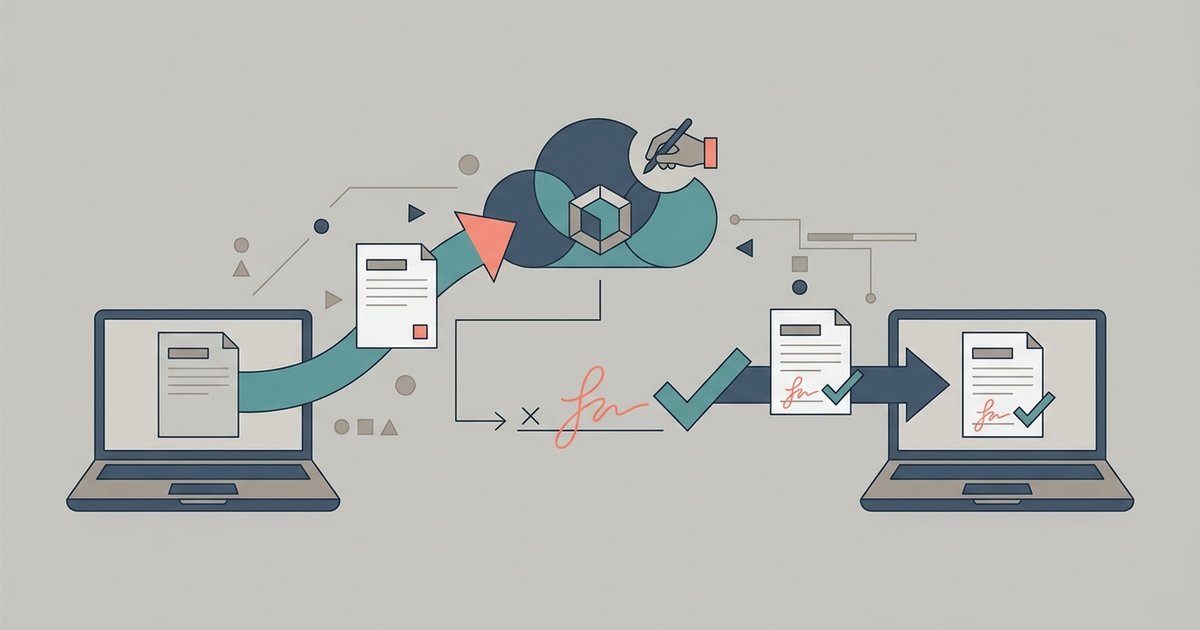
To get a document signed without printing it, sign your own copy with an online signature tool, then send the PDF to the other person with clear instructions so they can add their signature the same way. If you are the only signer, it takes about a minute. If you need several people to sign in a set order with reminders and a tracked record, a dedicated signature request service is the better fit.
Two Different Jobs: Signing vs Collecting Signatures
"Getting a document signed" can mean two things, and they need slightly different workflows.
- You need to sign. Someone sent you a lease, consent form or contract. You add your signature and send it back.
- You need someone else to sign. You prepared the document and need a client, landlord, parent or colleague to sign it. Your job is to make signing as easy as possible for them and to end up with a clean, signed copy.
Often it is both. You sign first, then pass the document on for a countersignature.
Sign a PDF Yourself With PDFBEAR
PDFBEAR's eSign PDF tool lets you sign a PDF online in any browser, on a computer, tablet or phone. Here is how it works:
- Open the tool and upload the PDF you need to sign.
- Create your signature. Choose Simple Signature, then draw it, type it or upload an image of your handwritten signature.
- Place it on the document. The editor prompts you to create your signature, then click a field to place it on the page. Signature is the required field, and you can also add optional fields: Initials, Name, Date, Text and Company Stamp.
- Press Finish and download the signed PDF.
The site lists a 50 MB free file size limit. Password-protected PDFs need to be unlocked before you can sign them, because the tool needs to write the signature onto the page. If you create a free account, the site says it can save your signatures for next time.
Get Someone Else to Sign
PDFBEAR describes its eSign tool as a way to create your signature, sign your PDF and request people to sign. The signing screen we tested as a guest focused on adding your own signature. The simple, reliable way to collect a signature from someone else is to hand them the file along with the same tool.
- Prepare the final version. Make every edit before anyone signs. Changing a document after it has been signed invites disputes.
- Sign first if you are a party to it. Add your signature, the date and your printed name, then download the file.
- Send the signed PDF. Attach it to an email, or use PDFBEAR's Share Document tool, which sends a file by email or gives you a link to share elsewhere.
- Tell them exactly what to do. Say which page to sign, which fields to fill and how to send it back. Include the name of the signing tool so they do not need to print anything either.
- Check the returned copy. Open it and confirm every signature, date and initial is there before you file it.
This works well for one or two signers who you are in touch with. It gets awkward when several people must sign in order, when you need reminders sent automatically or when you need a record showing who signed and when. That is where dedicated signature request services come in.
When to Use a Signature Request Service
Services built for collecting signatures send each signer an email with a link, guide them to the fields they need to complete and keep a record of the process. Adobe's help for Acrobat's Request e-signatures feature, for example, describes entering recipients' names and emails, optionally setting a signing order, placing signature fields for each recipient, setting reminders and sending. The first signer receives an email with a link to sign.
Consider this kind of service when:
- Three or more people need to sign.
- Signers must sign in a particular order.
- You need automatic reminders and a record of when each person signed.
- Your employer, lender or industry requires a specific signing platform.
For a single lease renewal, a school form or a freelance agreement, signing the PDF and sending it on is usually enough.
Know What Kind of Signature You Are Creating
Online signature tools produce different kinds of signatures, and the difference matters for some documents.
A drawn, typed or uploaded signature placed on the page is a visible mark. PDFBEAR's page is clear that its eSign tool adds a visible signature image and that this is not a certified digital certificate. Its Digital Signature option was labeled Coming soon when we tested it. Many everyday agreements accept this kind of signature.
A certificate-based digital signature adds cryptographic proof of who signed and whether the file changed afterward. Some legal, government and financial processes require it. If you are unsure, ask the organization requesting the signature what it accepts before you sign.
Sign on Your Phone Without Uploading
If you only need to sign your own copy, your phone may already have what you need. Apple's iPhone guide explains that in supported apps you can use Markup to tap Add Signature, sign with your finger, tap Done and then drag the signature into place. iPhone saves the signature for next time, and you can create several, such as a full signature and initials.
Built-in tools keep the file on your device, but they vary by app and platform and are designed for signing, not for managing signatures from other people.
Lock the Signed Copy
A signature added as an editable layer can sometimes be moved or deleted when someone opens the file in a different app. PDFBEAR's eSign page recommends flattening the signed PDF so the signature becomes part of the page content. You can also add a password to a signed document before sending it, as long as the recipient knows the password.
Privacy and Security
Contracts and consent forms often hold names, addresses and financial terms, and your signature is personal too. PDFBEAR says uploads travel over a secure HTTPS connection, no human sees your document, and it will not keep your signature unless you save it. With a free account, uploaded files stay in your file manager for a limited time after your last activity, and you can delete them yourself at any time.
Keep your own signed copy of every document, and store it somewhere you control.
The Bottom Line
You do not need a printer to get a document signed. Sign your part online or with your phone's markup tools, send the PDF with clear instructions, and check the returned copy. Save dedicated signature request services for documents with several signers, a set order or a requirement for a certified digital signature.