Home>Software and Apps>What Is a Seedbox, and When Is One Worth Paying For
Software and Apps
What Is a Seedbox, and When Is One Worth Paying For
Modified: 14 September 2026
Table of Contents
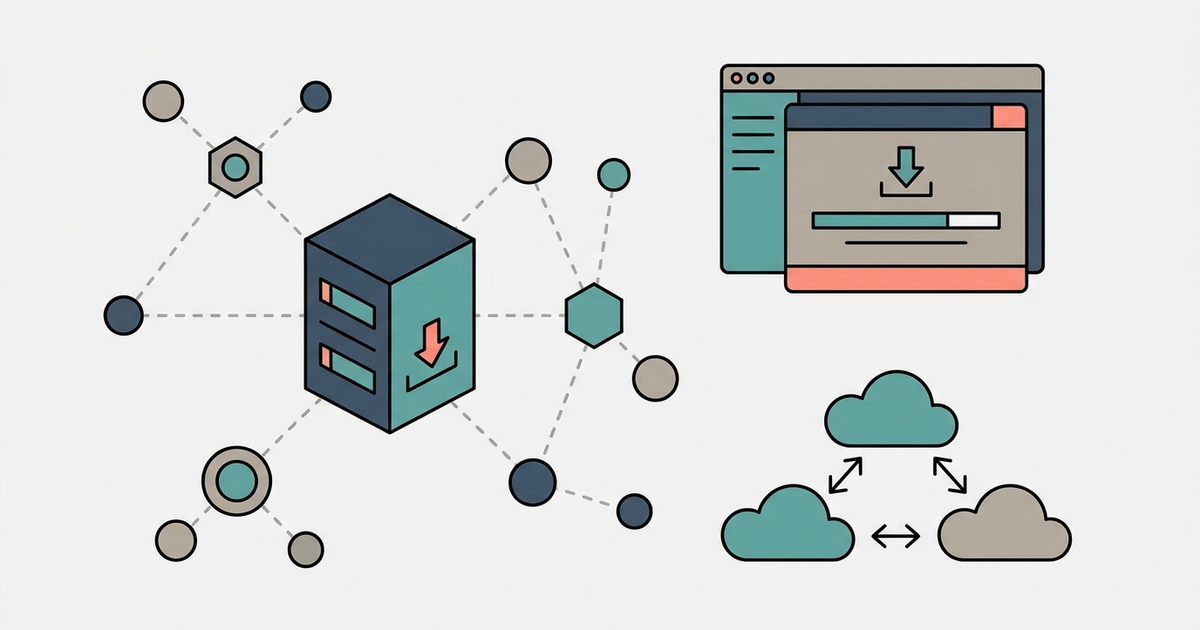
A seedbox is a remote server you rent, typically for $10 to $30 a month, designed to download and upload torrents at speeds your home internet connection cannot match. It runs 24 hours a day, seven days a week, on a network that can push data at 10 Gbps or faster. A file that would take an hour on your home connection can finish in two minutes. More importantly, you can leave torrents seeding for weeks without hogging your own bandwidth.

What a Seedbox Actually Does (and Doesn't Do)
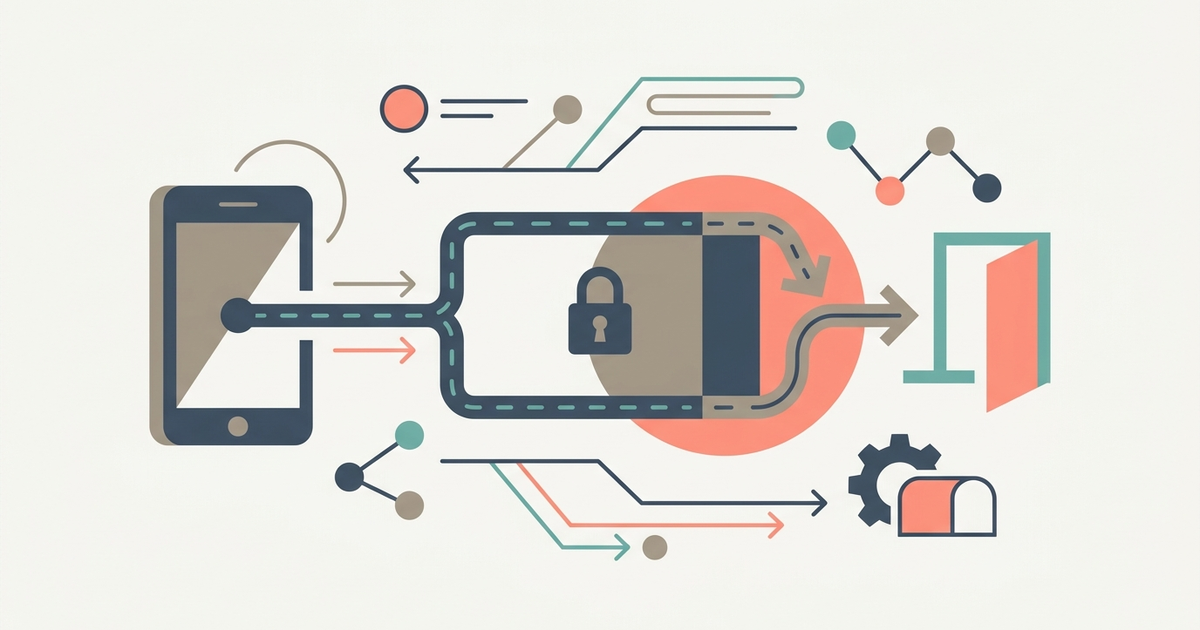
A seedbox downloads torrent files to a remote hard drive, not to your computer. You control it through a web interface like ruTorrent, qBittorrent, or Deluge. These are real desktop-class torrent clients that run inside your browser. You set the torrent URLs from your home PC, the seedbox grabs them at full speed, and you download the finished files from the server to your local machine using FTP or HTTP.
It does not hide your IP address by itself. That's what a VPN is for. A seedbox uses its own IP, which is tied to the data center. If your privacy concern is your ISP seeing your traffic, a seedbox solves that. If your concern is a copyright troll seeing the server's IP, you need a provider that does not log or cooperate with takedown notices. Most budget seedbox companies operate in Netherlands-based data centers and ignore DMCA complaints. Read each provider's policy before paying.
It does not automatically secure your home connection. The seedbox downloads the file, then your home connection pulls it from the seedbox. That second transfer is visible to your ISP. Some seedbox providers offer a VPN as an add-on to encrypt that leg, but it is not included by default.
Why You'd Pay $10–$30 a Month for One
You pay for two things: speed and ratio. A seedbox server uplink runs at 1 Gbps to 10 Gbps. Even a fiber optic home connection tops out around 1 Gbps, and most home connections do 100 Mbps or 300 Mbps. That difference matters when you are trying to compete on a private tracker where upload speed determines whether you survive.
Private trackers require you to maintain a 1:1 ratio or better. If you download 100 GB, you need to upload 100 GB back to other users. On a home connection that only uploads at 10 Mbps, that can take days of the computer running non-stop. A seedbox with a 10 Gbps uplink uploads that same 100 GB in an hour or two. It runs around
Part of our guide to The Torrent Client Handbook.
Frequently Asked Questions
Can I install Plex on any seedbox plan?
Most providers offer Plex or Jellyfin support on mid-tier and higher plans, not on the cheapest shared slots. Check the plan's feature list for media server support before ordering, as low-RAM VPS-based boxes often cannot transcode video.
How do I connect Sonarr or Radarr to a seedbox?
You enter the seedbox's torrent client URL and API key into Sonarr or Radarr's download client settings. Many providers include one-click app installers, but manual setup works with any seedbox running ruTorrent, qBittorrent, or Deluge.
Does a seedbox keep seeding after I delete the file locally?
Yes. The torrent client on the remote server runs independently of your home machine. You can delete your local copy and the seedbox will continue seeding until you manually stop or remove the torrent from its web interface.
Will my ISP throttle the FTP transfer from the seedbox?
ISPs rarely throttle standard FTP or HTTP downloads, which look like regular file transfers. Throttling typically targets BitTorrent protocol traffic specifically, and that activity stays entirely on the seedbox's connection in the data center.