Home>Software and Apps>Why Is My PDF So Big? How To Shrink It for Email and Uploads
Software and Apps
Why Is My PDF So Big? How To Shrink It for Email and Uploads
Modified: 19 September 2026
Table of Contents
- The Fastest Fix: Compress the PDF
- What Makes a PDF Big
- Scanned Pages
- Phone Photos
- Embedded Images and Graphics
- Fonts
- Hidden and Duplicate Data
- Why Some PDFs Barely Shrink
- Email and Upload Limits
- Compress on a Mac Without Uploading
- Prevent Big PDFs in the First Place
- A Note on Privacy
- The Bottom Line
- Frequently Asked Questions
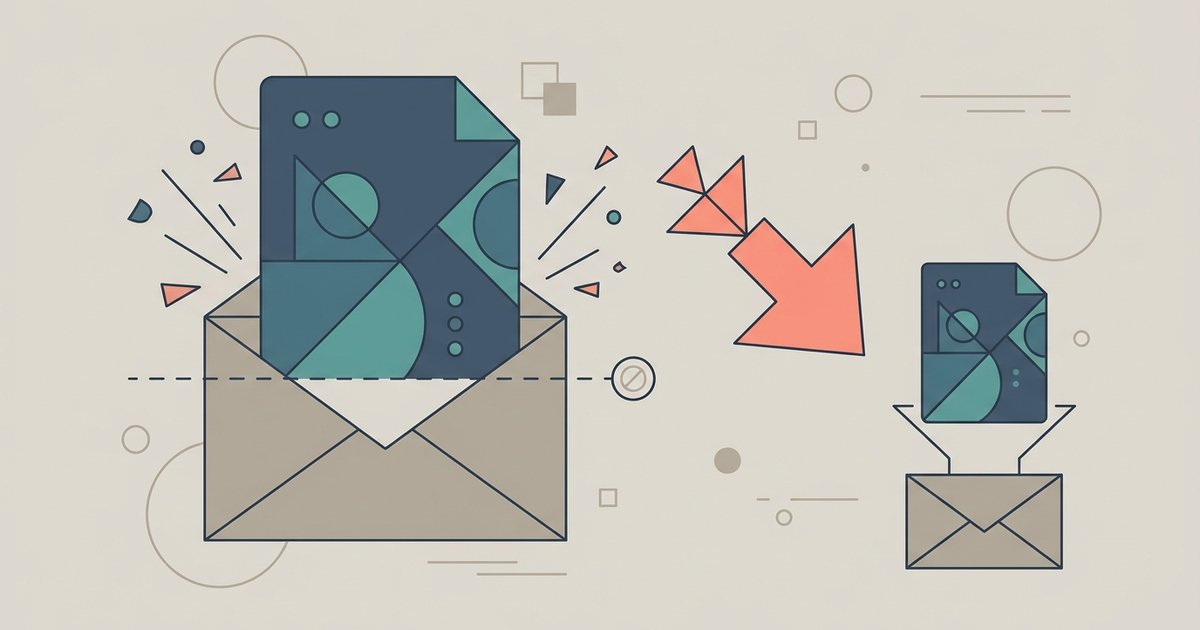
A PDF is usually big because of images, not words. Scanned pages, phone photos and high-resolution graphics carry far more data than text, and a few of them can push a short document past an email or upload limit. The fix in most cases is to compress the file, which shrinks those images while keeping the text sharp.
The Fastest Fix: Compress the PDF
If you just need the file smaller right now, start here and read the causes afterward. PDFBEAR's Compress PDF tool reduces a PDF's file size online in any browser, on a computer or a phone.
- Open the tool and upload your PDF by tapping the upload area or dragging the file in.
- Pick a compression level. The tool offers three: Extreme Compression (less quality, high compression), Recommended Compression (good quality, good compression) and Less Compression (high quality, less compression).
- Run the compression and wait while the file is analyzed and compressed.
- Download the smaller copy and open it to check the busiest page before you send it.
Recommended is the sensible first try. If the file is still too big, run the original again at Extreme. If a scan looks soft afterward, go back to the original and try Less Compression instead. Always keep your original until you are happy with the result, because image detail removed by compression does not come back.
The site lists a free file size limit of 50 MB per file. Password-protected PDFs need to be unlocked before they can be compressed, because the encryption stops the tool from rewriting the images inside.
What Makes a PDF Big
A PDF is a container. It can hold text, fonts, drawings and images, and each of those adds weight in a different way. Knowing which one is inflating your file tells you how much compression can help.
Scanned Pages
This is the most common cause. When a scanner or phone saves a page, it saves a photograph of the page, not the words on it. Every pixel of white paper is stored along with the text. A ten-page contract that was scanned can be many times the size of the same contract exported straight from a word processor.
Scans also tend to be saved at a high resolution meant for printing. That detail is wasted on someone reading on a screen, which is why scanned files shrink the most when compressed.
Phone Photos
Modern phone cameras take large, detailed photos. If you built a PDF from photos of receipts or homework, each page carries a full-size photo. PDFBEAR's own JPG to PDF page notes that wrapping several high-resolution phone photos into a PDF can make the output larger than you expect, and suggests compressing the finished file.
Embedded Images and Graphics
Brochures, reports and slide decks saved as PDF often contain logos, charts and photos dropped in at full size. A single uncropped photo can outweigh all the text in the document. Compression re-encodes these images at a screen-friendly size.
Fonts
PDFs can embed fonts so the document looks the same everywhere. Embedding a full font, or several of them, adds weight. Compression tools can subset fonts, keeping only the characters the document uses. Fonts are rarely the main problem, but they explain why even a text-only PDF has a minimum size.
Hidden and Duplicate Data
Files that have been edited, merged and re-saved many times can carry leftover data: duplicate images, unused objects and extra metadata. Compression strips much of this out.
Why Some PDFs Barely Shrink
If you compress a file and the size hardly changes, the PDF is probably mostly text and vector graphics already. Text is stored very efficiently, so there is little to squeeze. That is normal and not a fault in the tool.
In that case, other steps help more than compression:
- Remove pages you do not need, such as blank scanned backs, duplicate pages or appendices the recipient does not need.
- Split the document and send it in two parts if a portal allows multiple uploads.
- Re-export from the source if you have the original Word, Excel or PowerPoint file. A fresh export is often smaller than a PDF that has been edited many times.
- Share a link instead of attaching the file, if the recipient accepts that.
Email and Upload Limits
Size limits vary a lot, and many portals set their own. Look for the limit on the upload page itself, usually shown near the upload button or in the error message.
For email, Google's Gmail help says personal Gmail accounts can send up to 25 MB in attachments, and if your attachments are larger, Gmail automatically removes them and adds them as a Google Drive link instead. Work and school accounts may have different limits set by an administrator. Other email services set their own limits, and some offer a similar option to share large files through cloud storage.
Government, job and school portals often have tighter limits than email, and they sometimes only accept PDF. When a form asks for several documents, check whether the limit applies to each file or to the whole submission.
Compress on a Mac Without Uploading
If you would rather not upload a sensitive file, Apple's Preview app on a Mac has a built-in option. Apple's guide explains that you choose File > Export, pick Reduce File Size from the Quartz Filter menu and click Save. Apple also notes that the compressed PDF may be lower quality than the original and results vary. It is a quick option, but it works on one file at a time and can be heavy-handed with images.
Prevent Big PDFs in the First Place
A few habits keep files small from the start:
- Export instead of scanning whenever you have the digital original. Use the Save as PDF or Export option in your word processor or spreadsheet.
- Use your phone's document scanner rather than the regular camera for paper documents. Scanner modes crop to the page and are built for documents.
- Resize photos before you add them to a report or presentation.
- Compress last, after all editing, merging and signing is done, so images are only re-encoded once.
A Note on Privacy
Compressing online means uploading your document. PDFBEAR says files travel over HTTPS, are processed automatically without human review, and are deleted from its servers after processing, while free-account files saved to its file manager are kept for a limited time after your last activity. For tax records, medical files or ID scans, weigh that against using an offline option like Preview.
The Bottom Line
A big PDF is almost always a PDF full of images, usually scans or phone photos. Compress it at the recommended level first, check the result and step up to stronger compression only if you need to. If compression barely helps, the file is mostly text, so trim pages, split it or re-export from the original instead.
Frequently Asked Questions
What does Extreme Compression do to a scanned document?
Extreme Compression applies the heaviest image re-encoding, which can make scanned text look soft or slightly blurred on screen. It is best used only when Recommended Compression still leaves the file too large for an upload portal.
How do I unlock a password-protected PDF so I can compress it?
PDFBEAR's compression tool cannot rewrite the images inside an encrypted file. You need to remove the password first using a PDF unlock tool or by re-saving the file without protection from the original application that created it.
Does Preview's Reduce File Size on Mac work the same as online compression?
Apple's Preview uses a single Quartz filter that can be heavy-handed with images and offers no quality levels to choose from. Online tools let you pick from multiple compression strengths and often preserve more detail at comparable file sizes.
Why did my phone-scanned PDF grow larger after I added more pages?
Each page added from a phone camera brings a full-size photo into the PDF container, multiplying the file weight. A ten-page scan from a phone can be many times larger than the same document exported directly from a word processor.
What is the Gmail attachment size limit for work accounts?
Google's published 25 MB limit applies to personal Gmail accounts. Work and school account limits are set individually by each organization's administrator and may be lower or higher than the standard consumer cap.