Home>Software and Apps>How Regional Streaming Catalogues Differ, and Why
Software and Apps
How Regional Streaming Catalogues Differ, and Why
Modified: 4 October 2026
Table of Contents
Your Netflix app shows a different library than your friend's in another country because streaming services buy regional licenses for each title, not a global one. That’s the whole reason.

Why Your Netflix Library Isn't Your Friend's
Netflix’s US catalog holds about 5,500 titles. Japan has roughly 1,500. That disparity comes down to money and territory. A studio in Hollywood sells the streaming rights to The Office to Netflix for the United States only. The same studio then sells it to a local broadcaster in Japan, or to a competing service like Amazon Prime. Netflix can’t show it there without paying again, often at a higher price.
This isn't unique to Netflix. Amazon Prime, Hulu, Disney+, and BBC iPlayer all fragment their catalogs by country. The movie you watched last week in the UK might vanish from your library when you log in from Spain, even on the same account.
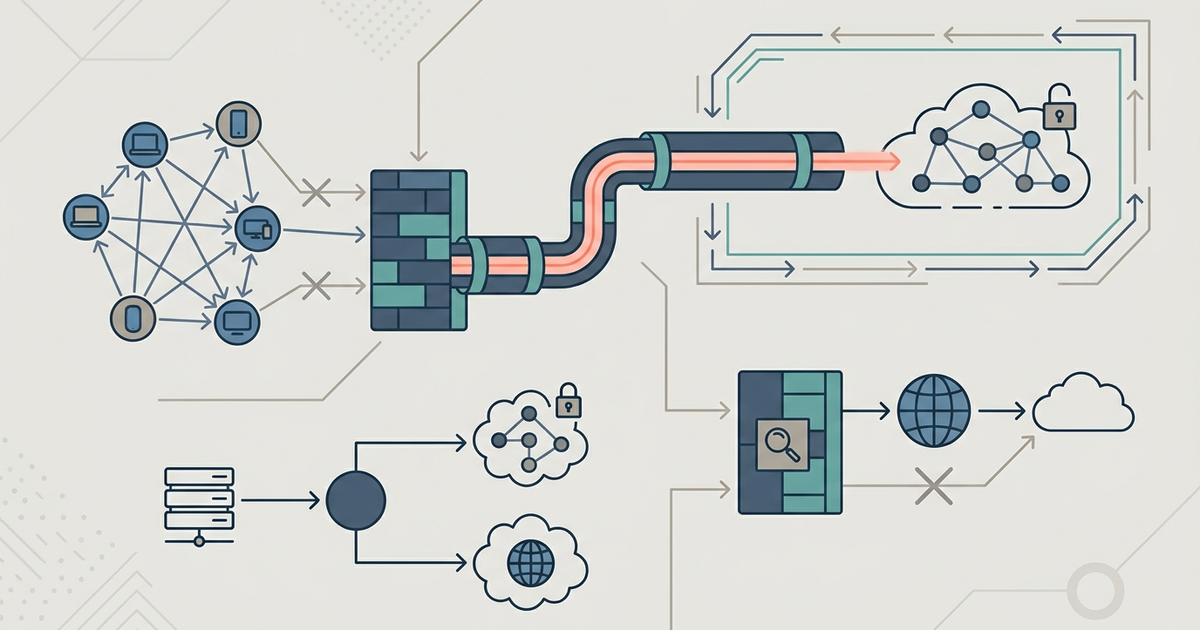
Geo-blocking is the technical term. Your IP address tells the service where you are. They serve the matching content library based on that address.
Licensing: The Real Reason for Regional Gaps
Licensing is a tangled web. A studio sells the rights to a film region by region, often to different buyers. Sometimes a movie is on Netflix in the US but on Disney+ in France. Sometimes it’s on no streaming service at all in Australia because a local TV network bought exclusive rights for the next three years.
Here’s a concrete example: Star Wars: The Force Awakens is on Disney+ in the US. In parts of Asia, it’s exclusive to a local pay-TV provider. Disney+ can’t show it there because the contract says they can’t.
Streaming services negotiate these deals in secret. They don’t publish the exact terms. But the pattern is always the same: the more popular the content, the more fragmented the availability. Blockbusters and award-winning series get split across the most borders.
Money drives this. A smaller market like Japan might get 1,500 titles because Netflix pays a lower flat fee for the region. The US gets 5,500 because it’s the most valuable market, so Netflix spends more to compete with HBO, Hulu, and Amazon.
How to Check What’s Available in Another Country
You don’t need to guess. Unogs lets you search Netflix’s global catalog by country. Enter a movie name, and it shows you which regions have it. It’s free and updated regularly.
JustWatch does the same for multiple services—Netflix, Hulu, Amazon Prime, Disney+, Apple TV+. You set your country, and it lists where a title streams. Change the country dropdown, and it shows you the regional differences instantly.
Both sites rely on crowdsourced data. They’re not perfect, but they’re accurate 95% of the time. If your goal is to find out whether The Grand Tour is on Amazon Prime in Canada, check JustWatch first.
One caveat: these tools only work for the service’s public catalog. They can’t show what’s currently rolling out or what’s been removed today. Refresh the page if you get a stale result.
VPNs: What Works and What Gets Blocked
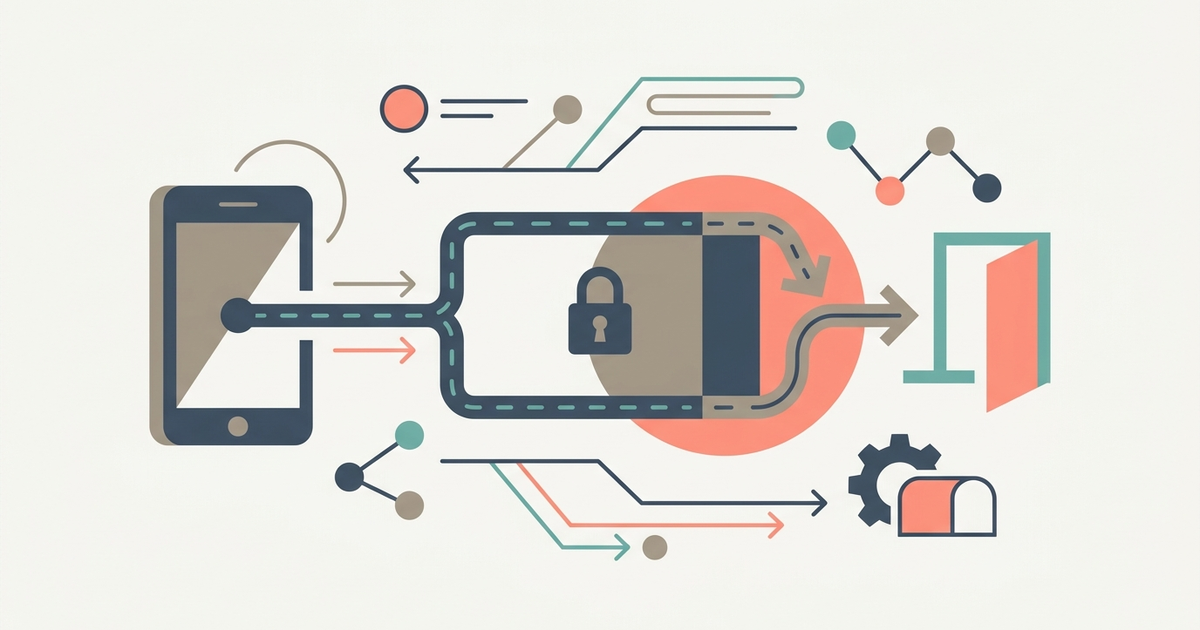
A VPN reroutes your traffic through a server in another country. To Netflix, you appear to be in that country. It’s the simplest way to access a different regional catalog.
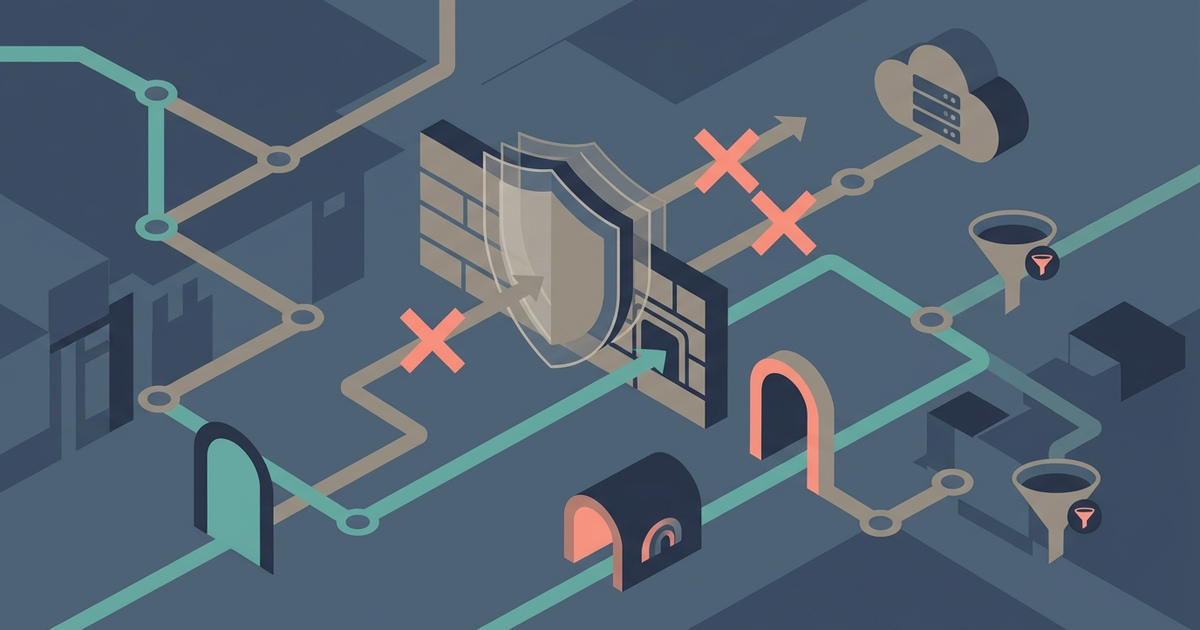
But streaming services fight back. They maintain lists of known VPN IP addresses and block them. This is a cat-and-mouse game.
ExpressVPN costs $12.95/month as of 2026. It reliably unblocks Netflix US from most countries. It fails with Netflix India. The Indian regional server is usually flagged.
NordVPN costs $11.99/month. It unblocks BBC iPlayer from outside the UK. That’s its strong suit. It also works with Disney+ in most regions. NordVPN has a larger server network than ExpressVPN, which helps when one IP gets blocked.
Not all VPNs work equally. Free ones are almost always blocked immediately. Paid ones have a better chance, but no service guarantees 100% access. Netflix changes its blocklists weekly. Last month’s working server might be dead today.
For the best result, use a VPN with obfuscated servers—like NordVPN’s “Obfuscated” mode. It hides the fact you’re using a VPN. This helps in countries with deep packet inspection, like China or UAE.
Smart DNS and Other Workarounds
VPNs work on computers, phones, and tablets. They often fail on smart TVs, Roku, and Apple TV. Those devices lack built-in VPN support.
Smart DNS is the alternative. It reroutes only the traffic from a streaming service’s domain, not your entire internet connection. This makes it faster and more compatible with hardware.
Unlocator costs $3.99/month. It works on Apple TV 4K, Roku, and Fire TV. You change your device’s DNS settings to their server address, and it spoofs your location for Netflix, Hulu, and BBC iPlayer. It also unblocks Disney+, but not always reliably.
Disney+ uses device-level region locking on Roku and Fire TV. That means even if your DNS points to the US, the device’s hardware reports its actual location. Smart DNS can’t override that. For Disney+ on those devices, you’re stuck.
Another workaround is a router-level VPN. You install the VPN on your home router. Every device connected to that router appears to be in the VPN country. This works for everything: smart TVs, game consoles, streaming sticks. But it requires a router that supports OpenVPN or WireGuard. Most ISP-provided routers don’t.
If you’re not technical, stick with Smart DNS. It’s cheaper and easier to set up.
The Legal Gray Area You Should Know About
Using a VPN or Smart DNS to access region-locked content is not illegal in most countries. But it does violate the terms of service of Netflix, Disney+, and BBC iPlayer.
Here’s what that means in practice. Netflix’s terms say you may only use the service within the primary country of your account. If they detect you bypassing geo-blocks, they can—and sometimes do—terminate your account. They rarely do this for a single violation. Repeat offenders get banned.
BBC iPlayer is a different case. It requires a UK TV License to stream legally. If you’re outside the UK and use a VPN to watch Doctor Who, you are circumventing a content licensing law backed by criminal penalties in the UK. The BBC doesn’t prosecute individual viewers, but the legal risk exists.
Disney+ and Amazon Prime are more aggressive. They’ve banned accounts for repeated VPN use. You won’t go to jail, but you will lose your subscription and any purchased content.
Your safest path: use a paid VPN with a no-logs policy. Don’t use it to break laws. Accept that the service can cut you off at any time. That’s the trade-off for watching Star Wars: The Clone Wars a month early in Australia.
Part of our guide to Where To Watch It: A Streaming Availability Guide.