Home>Software and Apps>How To Share Large Files With Friends Without an App
Software and Apps
How To Share Large Files With Friends Without an App
Modified: 18 September 2026
Table of Contents
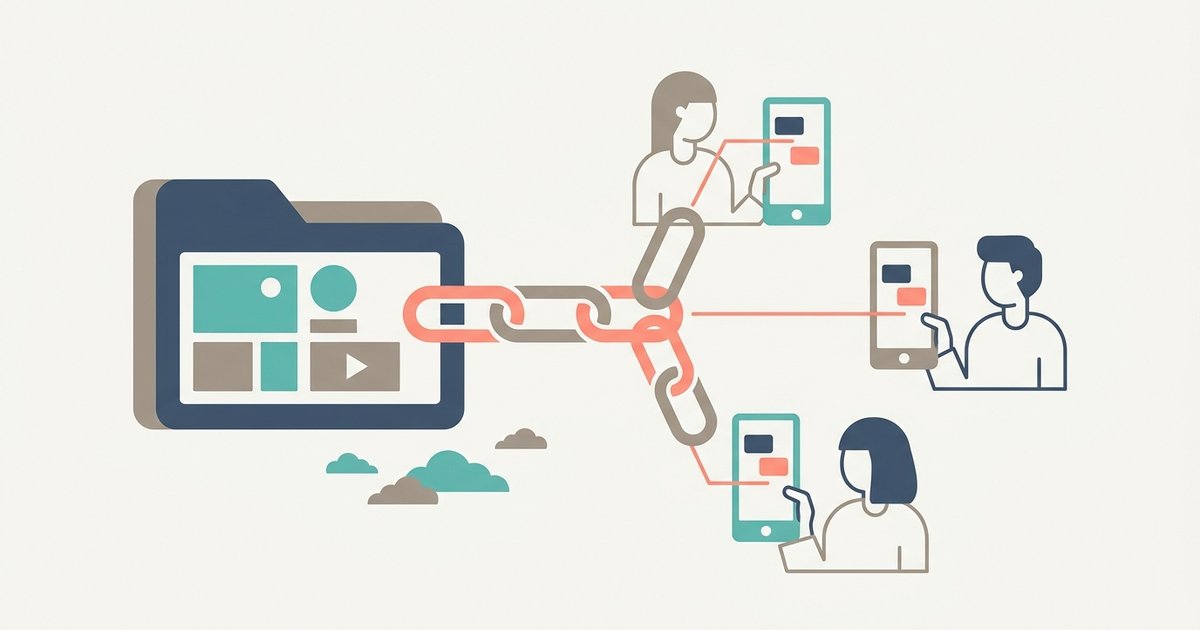
The simplest way to share large files with friends is to upload them once and send a link. Your friends open it in any browser and download, with no app to install and no account to create. It avoids the two things that usually get in the way: email attachment limits and the question of whether everyone has the same app.
Why Email and Chat Apps Fall Short
Email was never designed for big files. Gmail and Outlook both cap attachments at roughly 20 to 25 MB, and above that they either refuse the file or quietly swap it for a cloud storage link. A few minutes of phone video is enough to go over.
Messaging apps have their own problems. Most compress photos and videos to save data, so your friend receives a smaller, softer copy rather than the original. Group chats also bury files under messages, and a shared album only works if everyone uses the same service.
How Link-Based File Sharing Works
An expiring-link sharing service stores your files for a limited time and gives you a link to them. You send the link any way you like: text, email, a chat message or a QR code. Whoever opens the link can download the files in their original quality. When the link expires, the files are deleted.
This works across every device. An iPhone user can send to an Android user, a Windows user can send to a Mac user, and nobody has to install or sign in to anything to receive the files.
Step by Step: Sharing Files With ShareIt.onl
ShareIt.onl lets you send large files for free from your browser, without an account:
- Open ShareIt.onl in your phone or computer's browser.
- Add your files. Drop in up to 100 files at once, up to 3 GB in total. On a computer you can add a whole folder.
- Choose how long the link stays up. Without an account, links can last from 1 hour to 7 days, with 24 hours as the default.
- Add options if you need them. You can set a password or make the link delete itself after the first download.
- Share the link. Copy the short link into your group chat or email, or show the QR code so a friend can scan it with their phone camera.
Your friends open the link, see the files and download them in one click. Each download keeps an active link alive for another 24 hours, so shares people are still using stay available, while forgotten ones clean themselves up.
Sharing With a Group
For a trip, a party or a family event, one link works better than a dozen separate messages:
- Pick a longer expiry, such as 3 or 7 days, so everyone has time to download.
- Put everything in one share. A single link with all the photos and videos is easier to find in a busy group chat than many small ones.
- Collect files from others too. ShareIt.onl's request files tool gives you an upload link, so friends can send their photos to you without needing an account.
- Sign in if you need more time. A free account with Google extends links to 30 days and adds a dashboard where you can see downloads and delete shares.
Keep Shared Files Safe
Anyone with the link can open it until it expires, so a little care goes a long way:
- Use a password for anything personal, and send the password separately from the link, for example the link by email and the password by text.
- Use delete after first download when a file is meant for one person only.
- Keep expiry short for private files. The less time a link exists, the less chance it ends up somewhere you didn't intend.
- Don't post links publicly. A link shared in a public group or on social media is readable by everyone who sees it.
- Share only files you have the right to share. Your own photos and documents are fine. Copyrighted films or music are not.
Link Sharing vs Other Options
| Method | Good for | Drawback |
|---|---|---|
| Email attachment | Small documents | Size limit of roughly 20 to 25 MB |
| Messaging app | Quick photos | Often compresses photos and video |
| Cloud storage (Drive, iCloud, OneDrive) | Files you want to keep and edit together | Uses your storage and account |
| Nearby sharing (AirDrop, Quick Share) | People in the same room | Only works between compatible devices |
| Link-based sharing | Large files, mixed devices, one-off sends | Links expire, so recipients must download in time |
The Bottom Line
When a file is too big for email or you don't want a chat app to shrink it, upload it once and send a link. Pick an expiry that gives everyone enough time, add a password for anything personal, and your friends can download the originals on whatever phone or computer they use.