Home>Software and Apps>Essential Online Privacy Tools Everyone Should Use in 2025
Software and Apps
Essential Online Privacy Tools Everyone Should Use in 2025
Modified: 23 January 2025
Table of Contents
Online privacy isn’t optional—it’s a necessity. Cyber threats, data breaches, and invasive tracking continue to grow, making it vital to protect personal information. The right tools can shield browsing activity, secure accounts, block intrusive ads, and safeguard conversations.
1. Virtual Private Networks (VPNs)
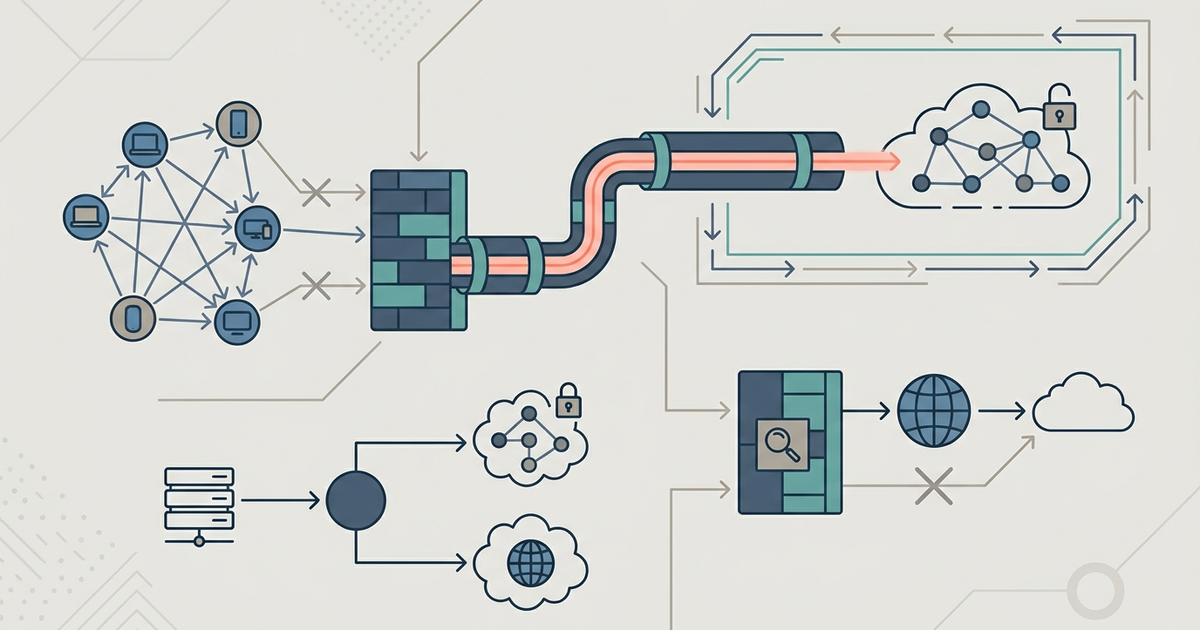
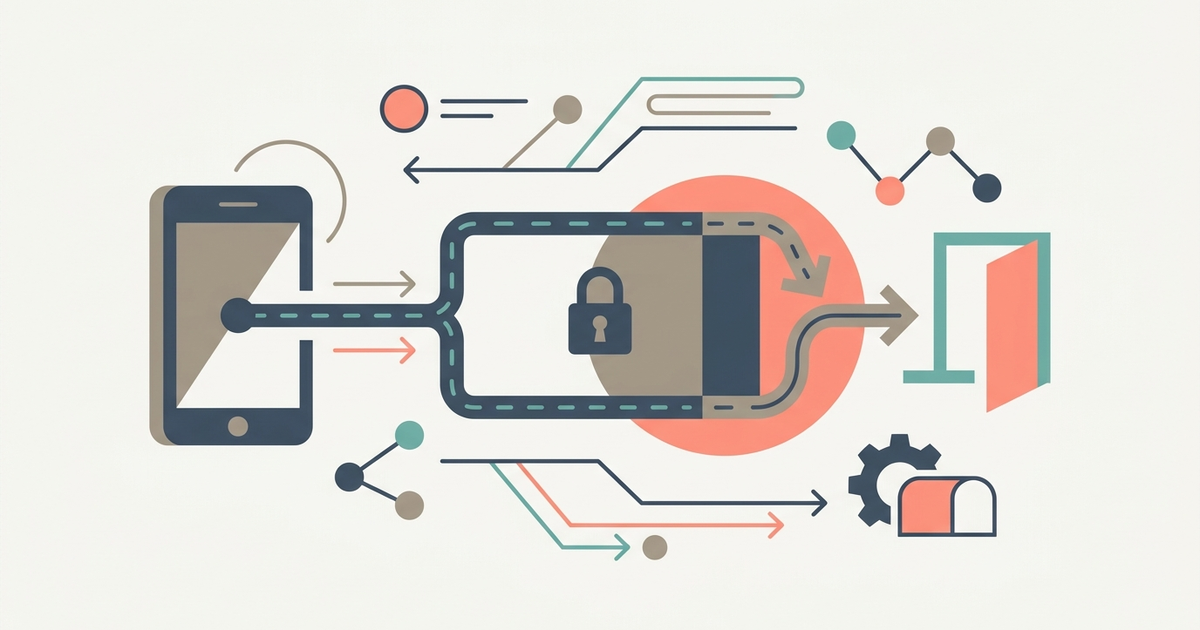
A VPN encrypts internet traffic, keeping browsing habits private from internet service providers, hackers, and advertisers. It masks IP addresses, making it harder to track online activities or pinpoint physical locations.
Why a VPN Matters:
- Prevents ISP Tracking: Internet providers collect and sell user data. A VPN stops this by encrypting all traffic.
- Protects Public Wi-Fi Use: Public networks are playgrounds for hackers. A VPN blocks eavesdropping and man-in-the-middle attacks.
- Bypasses Geo-Restrictions: Some websites and services are restricted based on location. A VPN allows access to region-locked content.
- Enhances Security for Remote Work: Employees working from different locations need secure access to company networks.
What to Look for in a VPN:
- No-logs policy: Ensures user activity isn’t stored or sold.
- Strong encryption: AES-256-bit encryption is the gold standard.
- Fast servers: A slow VPN affects streaming, gaming, and video calls.
- Kill switch: Disconnects internet access if the VPN connection drops to prevent data leaks.
2. Password Managers
Weak passwords and reused credentials are easy targets for hackers. A password manager generates, stores, and autofills complex passwords, reducing security risks.
Why Password Managers Are Necessary:
- Prevents Credential Stuffing: Hackers use leaked credentials from data breaches to access accounts. Unique passwords stop this.
- Simplifies Password Management: No need to remember multiple passwords. A master password unlocks all stored credentials.
- Auto-Fill Capabilities: Saves time and reduces the risk of keyloggers capturing login details.
- Secure Storage for Sensitive Data: Many password managers store payment details, IDs, and secure notes.
Key Features to Look For:
- Zero-knowledge encryption: Only the user can access stored data.
- Multi-device synchronization: Ensures access across smartphones, tablets, and computers.
- Biometric login: Adds an extra layer of protection with fingerprint or face recognition.
- Dark web monitoring: Alerts users if their credentials appear in a breach.
3. Ad Blockers
Online ads track browsing behavior, slow down page loading speeds, and expose users to malicious content. An ad blocker removes intrusive ads and trackers, improving security and performance.
Why an Ad Blocker Is Essential:
- Reduces Tracking: Many websites use cookies and trackers to monitor browsing habits. An ad blocker stops most of them.
- Speeds Up Browsing: Ads and trackers increase loading times. Blocking them makes web pages load faster.
- Enhances Security: Some ads contain malware or lead to phishing sites. An ad blocker prevents these risks.
- Improves User Experience: Eliminates autoplay videos, pop-ups, and banners that disrupt browsing.
Choosing an Effective Ad Blocker:
- Customizable filter lists: Allows blocking specific ads while keeping necessary content.
- Acceptable ads policy: Some blockers allow non-intrusive ads. Check settings to disable this if desired.
- Integration with browsers and mobile devices: Ensures protection across all platforms.
4. Encrypted Messaging Apps
Conversations should remain private, yet many messaging services collect and store user data. End-to-end encryption ensures that only intended recipients can access messages.
Why Encrypted Messaging Is Necessary:
- Prevents Eavesdropping: Encryption protects conversations from hackers, governments, and service providers.
- Protects Metadata: Some messaging apps store sender and recipient data even if messages are encrypted. Privacy-focused apps limit metadata collection.
- Ensures Secure Calls and Media Sharing: Texts, voice calls, and video calls remain private and protected.
Best Features to Look For:
- End-to-end encryption by default: Messages are unreadable to anyone but the sender and receiver.
- Self-destructing messages: Deletes messages after a set period for extra privacy.
- Open-source code: Allows independent audits to verify security.
- Minimal data collection: Avoids apps that require excessive permissions.
Additional Privacy Measures
Use Temporary Email Addresses
Signing up for online services often leads to spam or data leaks. A temporary email address prevents exposure of personal inboxes, reducing unwanted emails and security risks.
Regularly Update Software and Apps
Outdated software contains vulnerabilities that hackers exploit. Keeping devices, browsers, and apps updated ensures security patches are applied.
Enable Two-Factor Authentication (2FA)
Adding a second authentication step—such as a one-time code or biometric verification—prevents unauthorized access, even if a password is compromised.
Review App and Website Permissions
Many apps request access to contacts, location, and microphones unnecessarily. Limiting permissions minimizes data exposure.
Final Thoughts
Privacy threats won’t disappear, but the right tools can minimize risks. A combination of VPNs, password managers, ad blockers, and encrypted messaging apps provides solid protection against surveillance, data collection, and cyber threats.
Frequently Asked Questions
Does uBlock Origin have an acceptable ads program?
No, uBlock Origin does not have an "acceptable ads" program. It prioritizes user control and efficiency, blocking all unwanted connections by default without whitelisting paid advertisements.
Does DuckDuckGo save my search history?
DuckDuckGo does not track, save, or share your search or browsing history. It earns revenue through private search ads that are based solely on your current search terms, not on user profiles.
What encryption standard should a VPN use?
A VPN should use AES-256-bit encryption, which is the gold standard. This level of encryption ensures all internet traffic remains unreadable to internet service providers, hackers, and advertisers.
What is a password manager zero-knowledge policy?
Zero-knowledge encryption means only the user can access their stored data. The service provider has no way to view or recover your master password or vault contents, keeping credentials secure even if the company is breached.