Home>Software and Apps>The Impact of VPNs on Internet Speed
Software and Apps
The Impact of VPNs on Internet Speed
Modified: 5 September 2024
Table of Contents
Understanding VPNs and Internet Speed
Virtual Private Networks (VPNs) have gained popularity for enhancing online security and privacy. However, concerns about their impact on internet speed persist. This article explores factors influencing internet speed when using a VPN, reasons behind speed degradation, and practical solutions to mitigate these effects.
How VPNs Affect Internet Speed
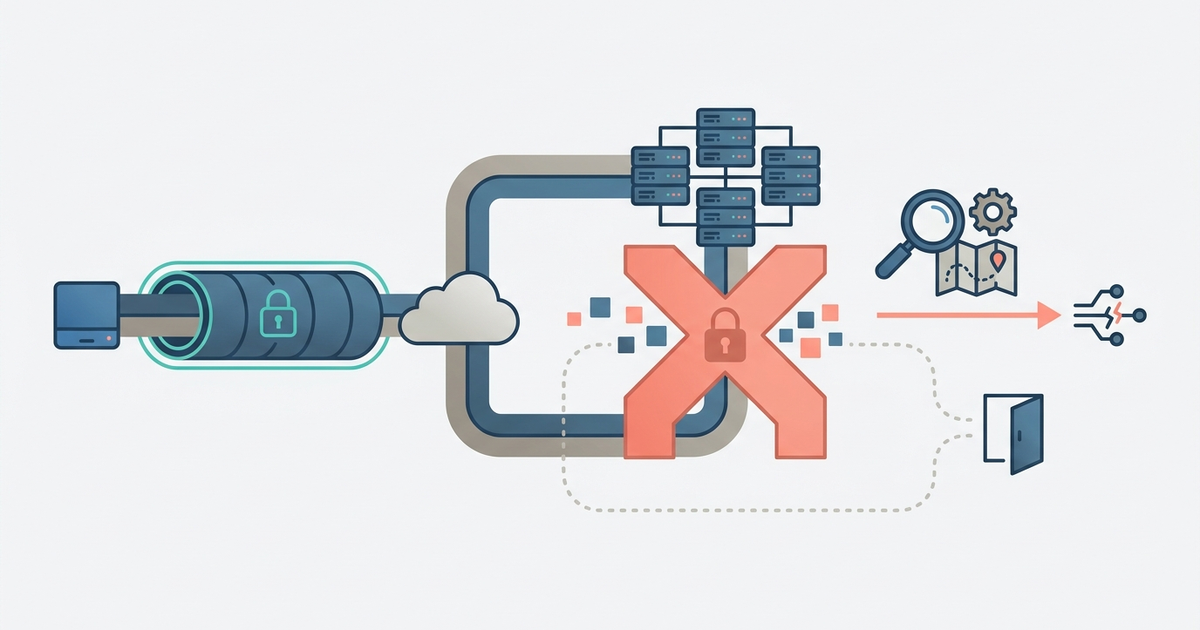
VPNs can slow down your internet speed due to the additional layer of encryption and the routing process. Key factors contributing to this speed degradation include:
- Encryption Process: Encrypting data requires processing power, which can slow down your connection. Stronger encryption demands more processing power, leading to slower speeds.
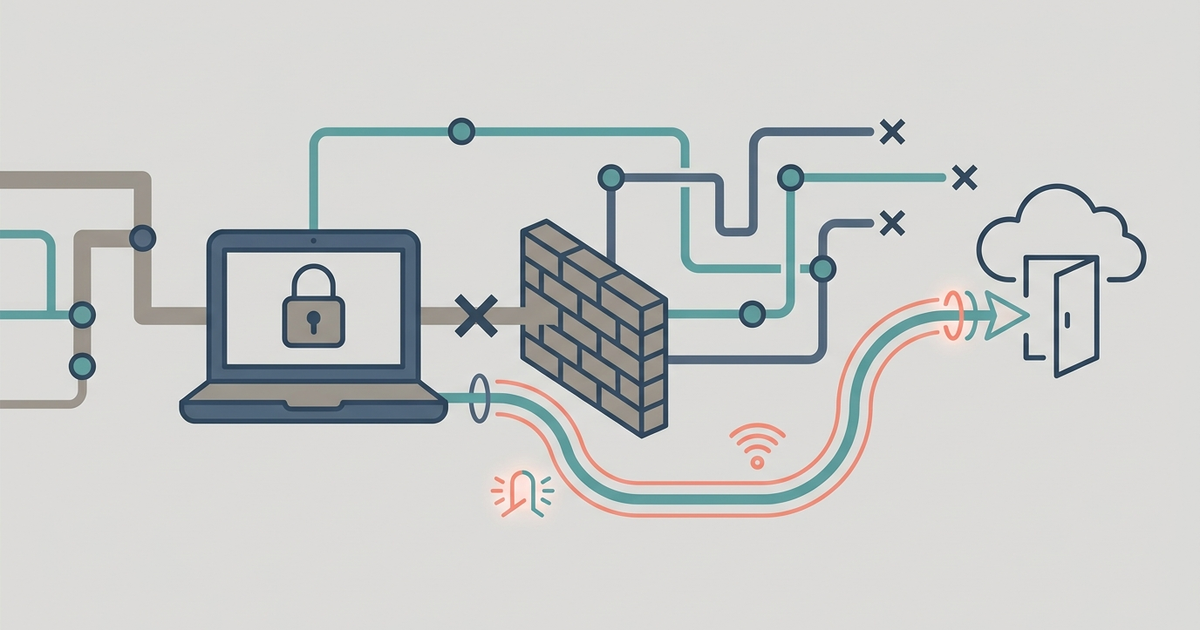
- Routing Through Remote Servers: Data is routed through a remote server, taking a longer path to its destination. The distance between your device and the VPN server significantly impacts latency and overall speed.
- Server Load: Multiple users connected to the same VPN server can cause overload, leading to slower speeds for all users.
- VPN Protocol: Different protocols offer varying levels of security and speed. OpenVPN prioritizes security over speed, while IKEv2 and WireGuard aim to balance both.
- ISP Speed: A VPN cannot improve your internet speed beyond what your Internet Service Provider (ISP) offers. If your baseline speed is slow, using a VPN will not enhance it.
Factors That Influence VPN Speed
Several factors impact the speed of your internet connection while using a VPN. Understanding these factors is crucial for optimizing your VPN experience.
Distance to the Server
The farther you are from your VPN server, the longer it takes for data to travel, increasing latency and potentially slowing down your internet. Selecting a server close to your actual location minimizes latency.
Server Load
The number of users connected to the same VPN server can impact your speed. An overloaded server may struggle to keep up, slowing down the internet speed for everyone connected.
VPN Protocol
Different VPN protocols offer different speeds and security characteristics. OpenVPN prioritizes security over speed, while IKEv2 and WireGuard strive to balance both. Choosing the right protocol helps optimize your VPN speed.
Encryption Strength
A higher level of encryption provides better security but can also slow things down. Encrypting and decrypting data requires processing power, which can reduce speeds, especially on devices with less powerful hardware.
How to Speed Up Your Internet with a VPN
While VPNs inherently slow down your internet speed due to the additional data encryption and routing process, several strategies can minimize this impact:
Choose the Right VPN
Not all VPNs are created equal. Some are designed to be faster than others. Look for VPNs using optimized protocols like IKEv2 or WireGuard, known for their speed.
Select a Server Close to Your Location
Choosing a server geographically close to you can significantly reduce latency and improve your internet speed. Many VPN providers offer servers in multiple locations, so explore different options to find the best one.
Optimize Your Device
Ensure your device can handle the encryption process efficiently. Upgrading your device or ensuring it has sufficient processing power can help mitigate speed degradation caused by encryption.
Use a Fast VPN Protocol
Different VPN protocols offer varying levels of speed and security. Using a protocol like IKEv2 or WireGuard, designed to be faster, can help improve your internet speed.
Limit Bandwidth-Hungry Applications
When using a VPN, limit bandwidth-hungry applications to ensure your internet speed is not further compromised. Set data limits or prioritize essential applications.
Checking Your VPN Speed
To determine if your VPN is slowing down your internet speed, perform a few simple tests:
- Speed Test: Use online speed testing tools to compare your internet speed with and without a VPN. This provides a clear indication of the VPN's impact on your connection.
- Ping Test: Measure the latency (ping time) of your connection with and without a VPN. Higher latency indicates slower speeds.
- Download/Upload Speed Test: Compare download and upload speeds with and without a VPN. Significant differences indicate the VPN is slowing down your connection.
By understanding the factors that influence VPN speed and employing the strategies outlined above, you can ensure your VPN does not significantly compromise your internet performance while still providing the security and privacy you need.
Frequently Asked Questions
Can a VPN bypass ISP throttling for streaming?
Yes, a VPN can improve speed if your ISP intentionally throttles streaming or gaming traffic. By encrypting your data, the VPN hides your activity type from the ISP, preventing targeted slowdowns. This only helps when throttling is the cause of poor performance, not general congestion.
Why are free VPNs so much slower than paid ones?
Free VPNs typically have fewer servers, bandwidth caps, and overcrowded networks, leading to significantly slower speeds. Their limited infrastructure forces many users onto the same servers, increasing server load and degrading performance compared to premium services with optimized networks.
Does WireGuard always give the fastest VPN speed?
WireGuard generally offers faster speeds than OpenVPN because its lightweight codebase balances security and performance efficiently. However, actual speed still depends on server distance, server load, and your baseline ISP speed. A nearby server with low load matters as much as the protocol choice.
How do I check if my VPN server is overloaded?
Run a speed test while connected to your current server, then switch to a different server in the same city and test again. A significant speed improvement on the second server suggests the first one was overloaded. Many VPN apps also display current server load percentages directly in their interface.